
Download Cryptopower for your desktop
A minimalist, self-custody multi-coin wallet for Decred, Bitcoin and Litecoin — with integrated DCRDEX support. Pick your platform below and follow the installation guide.
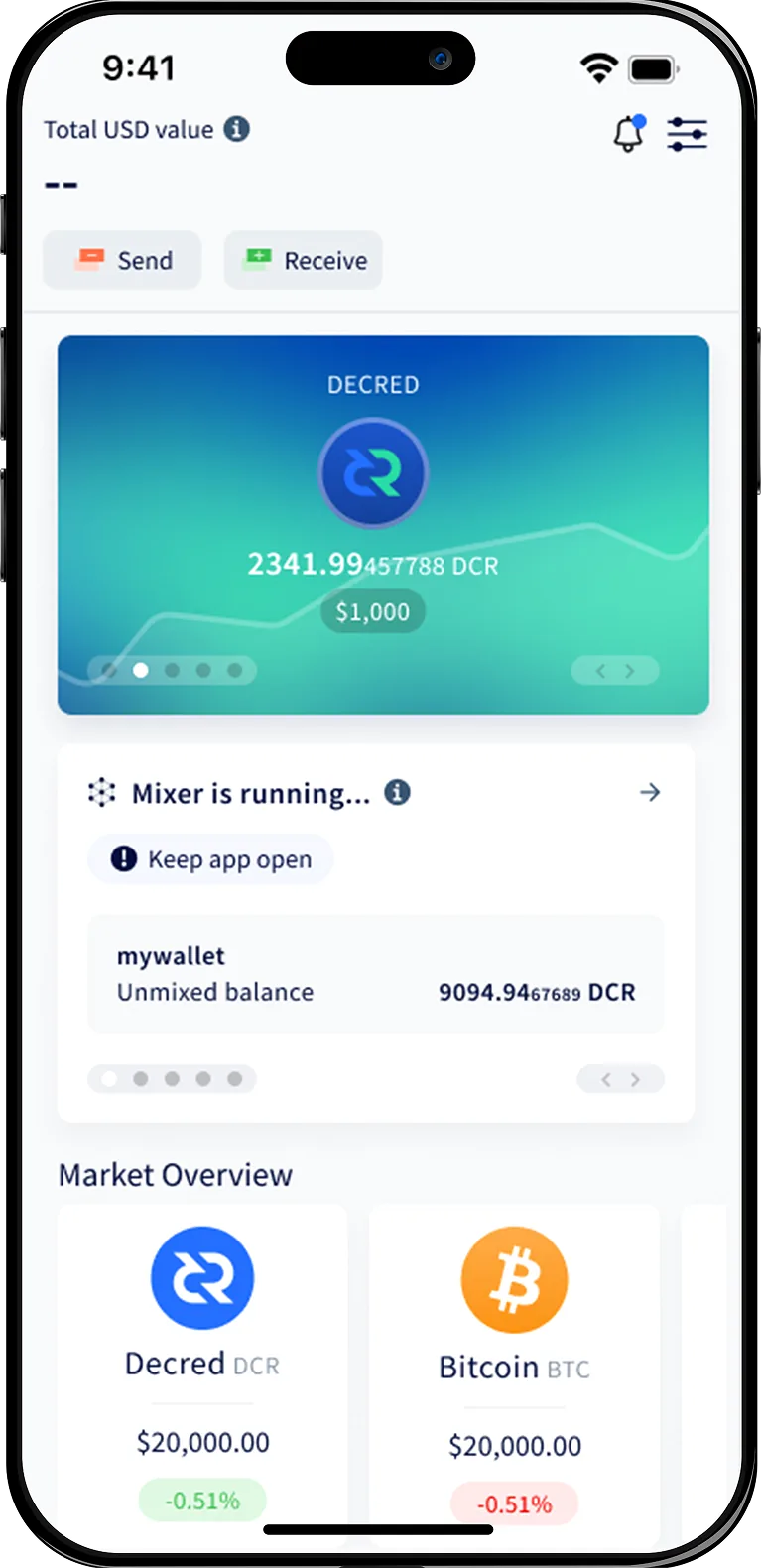
Choose your platform
Every build is signed and reproducible. Verify the signature before installing.


Installation guide
Install Cryptopower on Windows
A quick walkthrough from download to your first wallet. Switch platforms anytime using the tabs.
- 1
Download the installer
Click the Windows download button to get the signed .exe installer. Save it somewhere you can find easily.
- 2
Verify the signature
Right-click the installer, open Properties → Digital Signatures, and confirm the publisher is the Cryptopower project.
- 3
Run the setup
Double-click the installer. Windows SmartScreen may prompt you — choose More info → Run anyway once you have verified the signature.
- 4
Launch Cryptopower
Open Cryptopower from the Start menu. Create a new wallet or restore one from an existing seed phrase.
Need help getting started?
Full step-by-step guides live in the documentation, and our team answers questions on the support page.