
Download Cryptopower Wallet
Get version 2.1.3 for Windows, macOS or Linux. Cryptopower brings Decred, Bitcoin and Litecoin together in a self-custody desktop wallet, with installation steps for each platform.
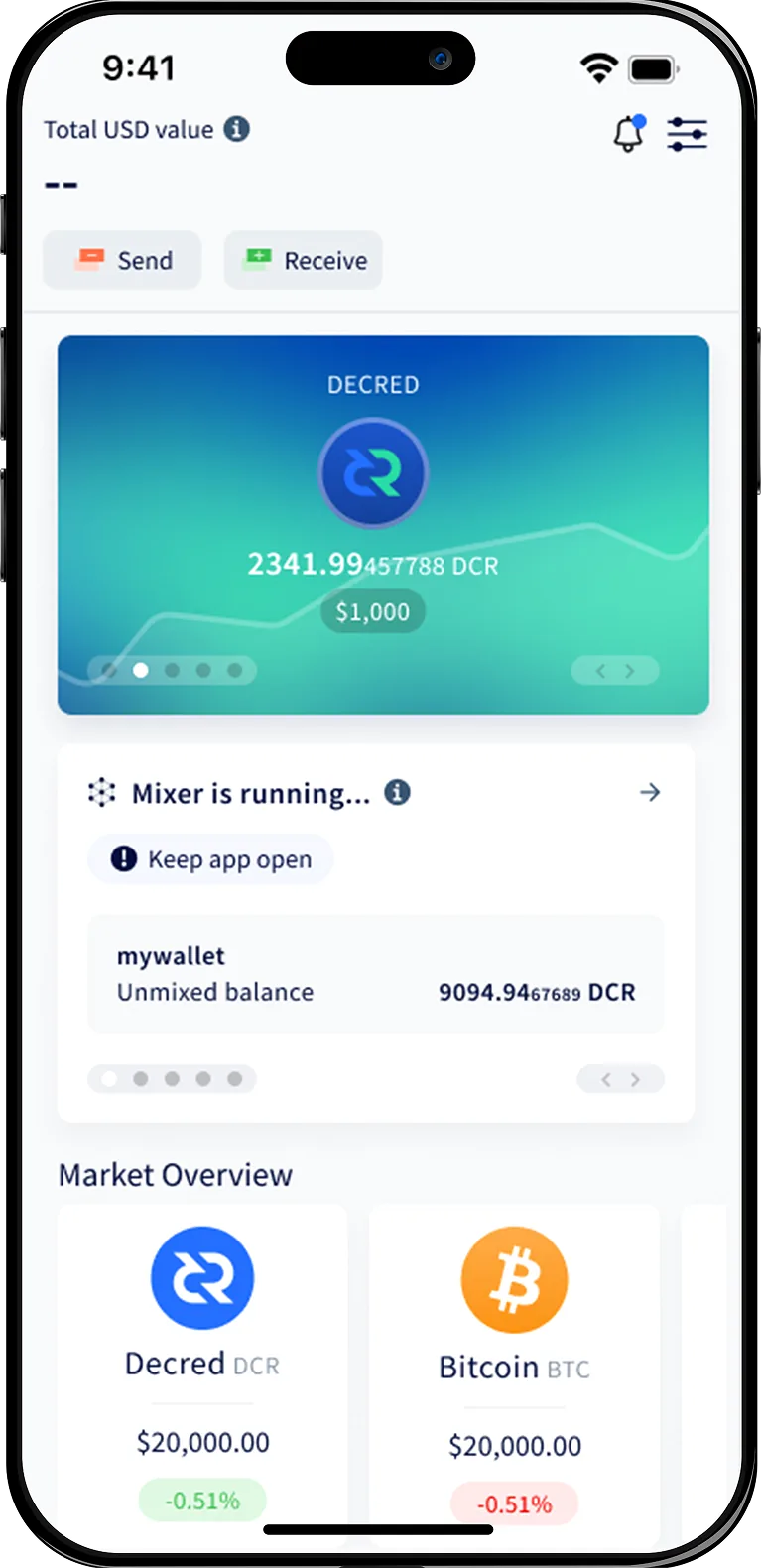
Choose your platform
Every build is signed and reproducible. Verify the signature before installing.


Installation guide
Install Cryptopower on Windows
A quick walkthrough from download to your first wallet. Switch platforms anytime using the tabs.
- 1
Download the installer
Click the Windows download button to get the signed .exe installer. Save it somewhere you can find easily.
- 2
Verify the signature
Right-click the installer, open Properties → Digital Signatures, and confirm the publisher is the Cryptopower project.
- 3
Run the setup
Double-click the installer. Windows SmartScreen may prompt you — choose More info → Run anyway once you have verified the signature.
- 4
Launch Cryptopower
Open Cryptopower from the Start menu. Create a new wallet or restore one from an existing seed phrase.
Need help getting started?
Full step-by-step guides live in the documentation, and our team answers questions on the support page.